Stop texting "what are you bringing?" — try this instead
Stop texting "what are you bringing?" — try this instead
It's Wednesday night. You're planning a potluck for Sunday. You fire off the classic text to the group chat:
"Hey everyone! What is everyone bringing?? 🙂"
Twelve minutes later:
- Three people have volunteered dessert.
- Nobody has claimed a main.
- Karen asks, "wait, what time is it again?" — for the second time this week.
- Someone sends a thumbs-up 👍 and you have no idea what it means.
- The RSVPs from your original message? Buried under 40 memes and a photo of someone's dog.
If this feels familiar, you're not alone. The group chat is the worst place to plan a potluck.
Why group chats fail at event coordination
Group texts were built for chatting, not coordinating. A few things break every single time:
- No single source of truth. The "list" of who's bringing what lives in scattered messages across a scrolling thread. You have to re-read it to answer any question.
- Messages get missed. Someone had their phone on Do Not Disturb during the important stretch. Now they think they're bringing rolls, and so does Mike.
- It's awkward to track who confirmed what. "Wait, did Sarah say she was coming, or did she just react with a heart to Sam's message?"
- Duplicate dishes are embarrassing. You end up with four bags of chips and zero drinks. Every time.
- Late arrivals miss everything. New people added to the chat can't scroll back three days to figure out what's still needed.
By the day of the event, the organizer is a full-time group-chat archaeologist.
The fix: one link, not a thread
The switch that fixes all of this is stupidly simple. Instead of a group chat, you share one sign-up link. Everyone opens it, sees what's already claimed, and picks a slot.
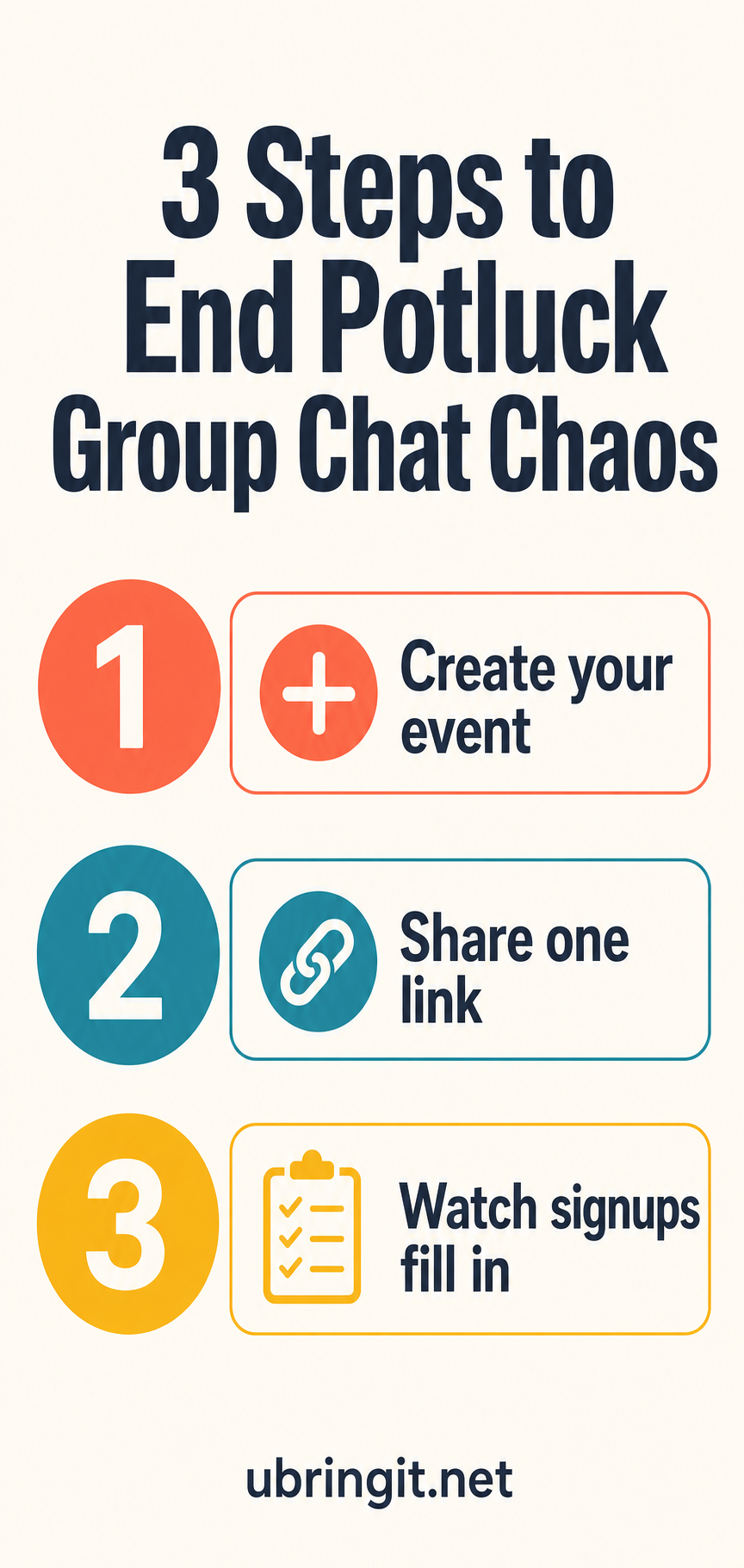
Here's the whole workflow:
1. Create your event
Give it a name, date, and a few categories — mains, sides, desserts, drinks, setup help. Takes about 60 seconds. Create a free event →
2. Share one link
Drop the link into the group chat once, or text it, or print a QR code for the bulletin. That's the last message you send about logistics.
3. Watch signups fill in
Guests tap the link, see what's still needed, and claim a slot. Duplicate detection warns them if a category is full or if someone already claimed the same dish. No accounts, no downloads, no ads shown to your guests.
You get one clean page showing exactly who's coming and what they're bringing. No scrolling. No re-asking.
A real example
Melissa runs the Sunday fellowship dinner at her church — usually 45 to 60 people. For years, she managed it in a text chain with the hospitality team. Every Sunday morning she'd wake up not knowing whether there'd be enough food, and half the team would show up with the same green bean casserole.
She switched to a shared sign-up link (here's why churches love it). The first Sunday she used it:
- 38 people signed up in advance without her chasing anyone.
- Zero duplicates. Zero missing categories.
- The teens found the QR code in the bulletin and signed themselves up — a first.
- Cleanup crew filled itself in without her asking.
She sent one message to the group chat. That was it.
But what about SignUpGenius?
Fair question — it's the old standby. The short version: it works, but it shows banner ads to your guests and pushes them toward a paid tier. Here's the full side-by-side if you want to compare.
Retire the group text
The group chat is great for memes, plans, and moral support. It's a terrible database. Give your organizers (and your guests) the gift of a single link that tracks itself.
Try it for your next event → Create a free sign-up link in 60 seconds. No account required for you or your guests.