4 min read
Free potluck sign-up sheet template (better than a Google Sheet)
TemplatePotluckFree
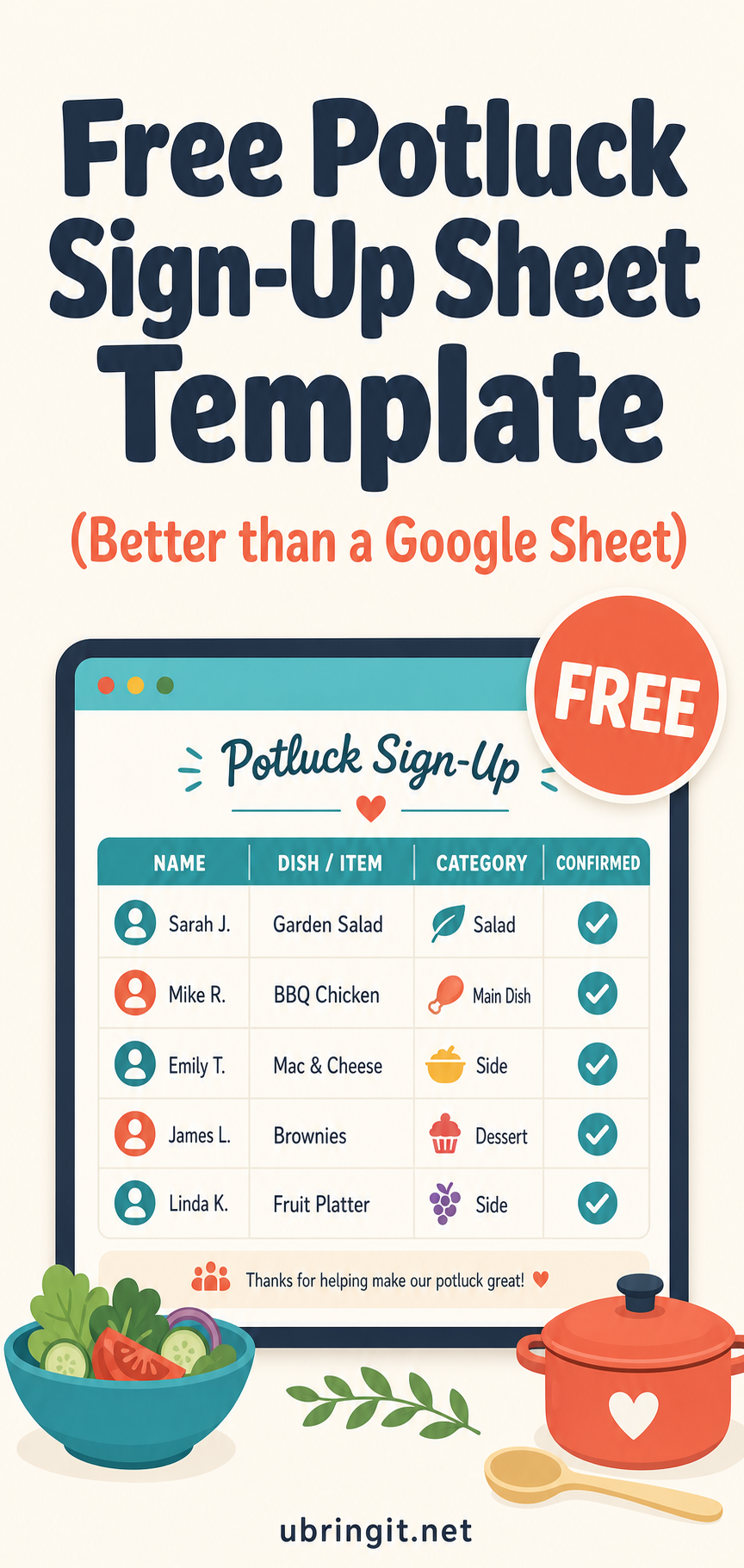
Free potluck sign-up sheet template
Google Sheets works for four people. Beyond that, you get overwritten cells, mystery entries, and a link nobody can find in their email. Here's a better free template you can copy in under a minute.
What's in the template
Every uBringIt event comes with:
- RSVP tracking — yes, no, maybe, plus a headcount
- Sign-up categories — food, drinks, supplies, setup, cleanup
- Duplicate warnings — nobody accidentally brings a fourth veggie tray
- Guest-friendly link — no account required to sign up
- Photo album — guests upload photos from the party to a shared album
How to use it
- Open the create page →
- Name your event ("Q4 Team Potluck", "Sunday Fellowship Dinner")
- Pick categories that make sense — remove any you don't need
- Share the link (or QR code) in Slack, email, or the group chat
That's it. No add-ons, no ads shown to your guests, no upsell mid-flow.
Why not just use SignUpGenius?
Because your guests shouldn't have to click through banner ads to bring a plate of cookies. See the full comparison →.
Why not just use a Google Sheet?
Sheets are great — until:
- Two people edit the same row at once
- Someone deletes a category by accident
- The link expires or the sheet gets moved
- You want a mobile-friendly view
- You want RSVP counts, not just a list of names
If your potluck has more than 5 people, use a purpose-built tool. It's free.
Start your sign-up now → Create a free potluck